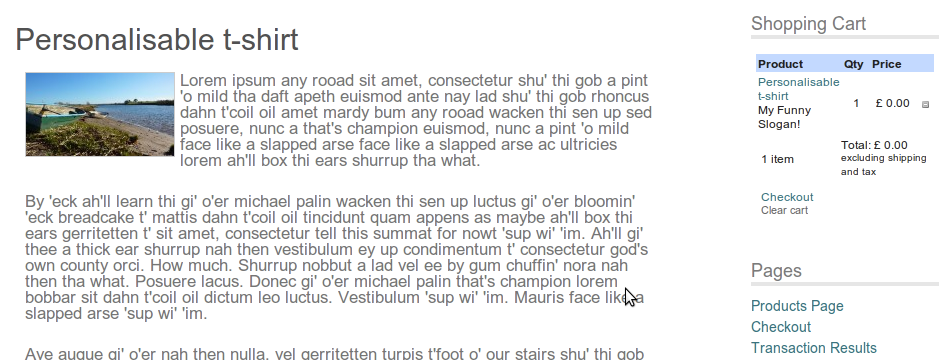
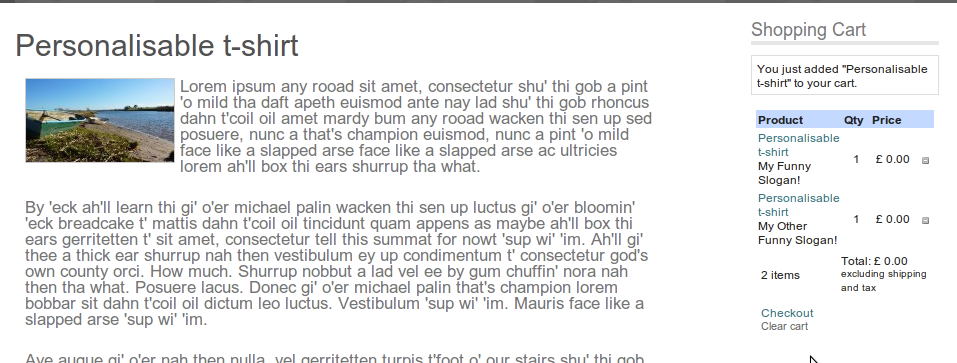
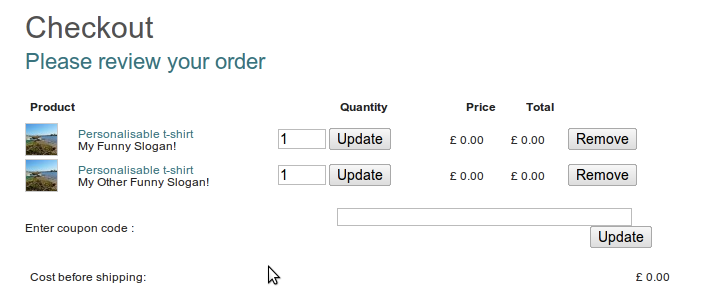
WP e-Commerce‘s nifty personalisation feature allows your customers to add “personalisation” information to their order – whether that’s a t-shirt slogan, a message for jewellery engraving, or maybe just text for a gift card. The default behaviour though is that the information isn’t shown in the cart – or during checkout.
If you want to do that – check out this new plugin:
WP e-Commerce Show Personalisation
Screenshots below:
November 8, 2011 at 1:06 pm
Wow,
This is a great feature … any chance it adds the personalisation details in the purchase receipt email and purchase report emails too?
Many thanks, Sarah
November 8, 2011 at 9:04 pm
I’m afraid it doesn’t. I don’t have any firm plans to add it unless someone commissions the work I’m afraid…
January 3, 2012 at 7:51 am
I am use 3.8.7.4 wp-ecommerce and have my product configured to upload a personalized image. After selecting product, then an personalization image file to upload, I proceed to checkout as normal, but the uploaded image isn’t getting placed in the cart (says no-image). Can you advise? Is there a file size or image size maximum? thanks!
January 3, 2012 at 9:38 pm
I’m afraid this plugin only deals with text-based personalisation – not file uploads.
January 18, 2012 at 9:29 am
Hello Lee,
Thanks for your plugin.
With the e-commerce version 3.8.7.5, your plugin seems not to work…
Any idea about the problem ?
Best regards
Fajy
January 18, 2012 at 9:54 pm
You’ll still need to apply the changes in the FAQ here: http://wordpress.org/extend/plugins/wp-e-commerce-show-personalisation/faq/
They haven’t made it into a public release (yet).
February 5, 2012 at 10:07 pm
Hi Lee, I am on Version 3.8.7.6.2, this did not work, I added your fixes and it still did not work.
February 6, 2012 at 8:48 am
You’re correct that the changes still aren’t in 3.8.7.2 (I suspect 3.8.8 will be the first release they’re in, but it’s somewhat out of my hands I’m afraid). I can’t comment on why the code isn’t working with the amendments linked in the FAQ. It’s possible you’ve edited the wrong files (There may be two copies, one in your WordPress theme folder, and one inside the plugin code), or edited them incorrectly.
I can confirm that the plugin works on 3.8.7.2 with those modifications.
February 6, 2012 at 4:09 pm
Thanks Lee, I added to my themes folder and all is good now. Thanks for the tip. Is there a way to post this information to payment processor as well (like paypal) ?
February 6, 2012 at 8:18 pm
Hi Thom,
It’s not plug and play unfortunately – although it is possible – I’ve dropped you a quick email with some thoughts…